 0
0
 0
0
Many household devices continue drawing electricity even when they appear to be switched off. The culprit: standby mode. While convenient, it quietly drives up monthly energy bills. The good news? By unplugging a few key devices overnight, households can reduce power consumption without sacrificing comfort.
1. Microwaves: Silent Energy Drainers
In the kitchen, the refrigerator earns its place as a 24/7 essential. The microwave, however, doesn’t. When not in use, it still draws electricity—often just to power a digital clock or keep internal electronics active.
Energy experts at myHOMEBOOK note that microwaves have no real need for constant power. Unplugging them when not in use, especially overnight, can noticeably reduce energy waste. The easiest rule of thumb: plug in only when reheating food.
2. Game Consoles: Standby Mode Comes at a Price
Entertainment electronics account for nearly one‑third of household electricity consumption, according to the German Consumer Advice Center. Among them, gaming consoles are some of the biggest hidden power guzzlers.
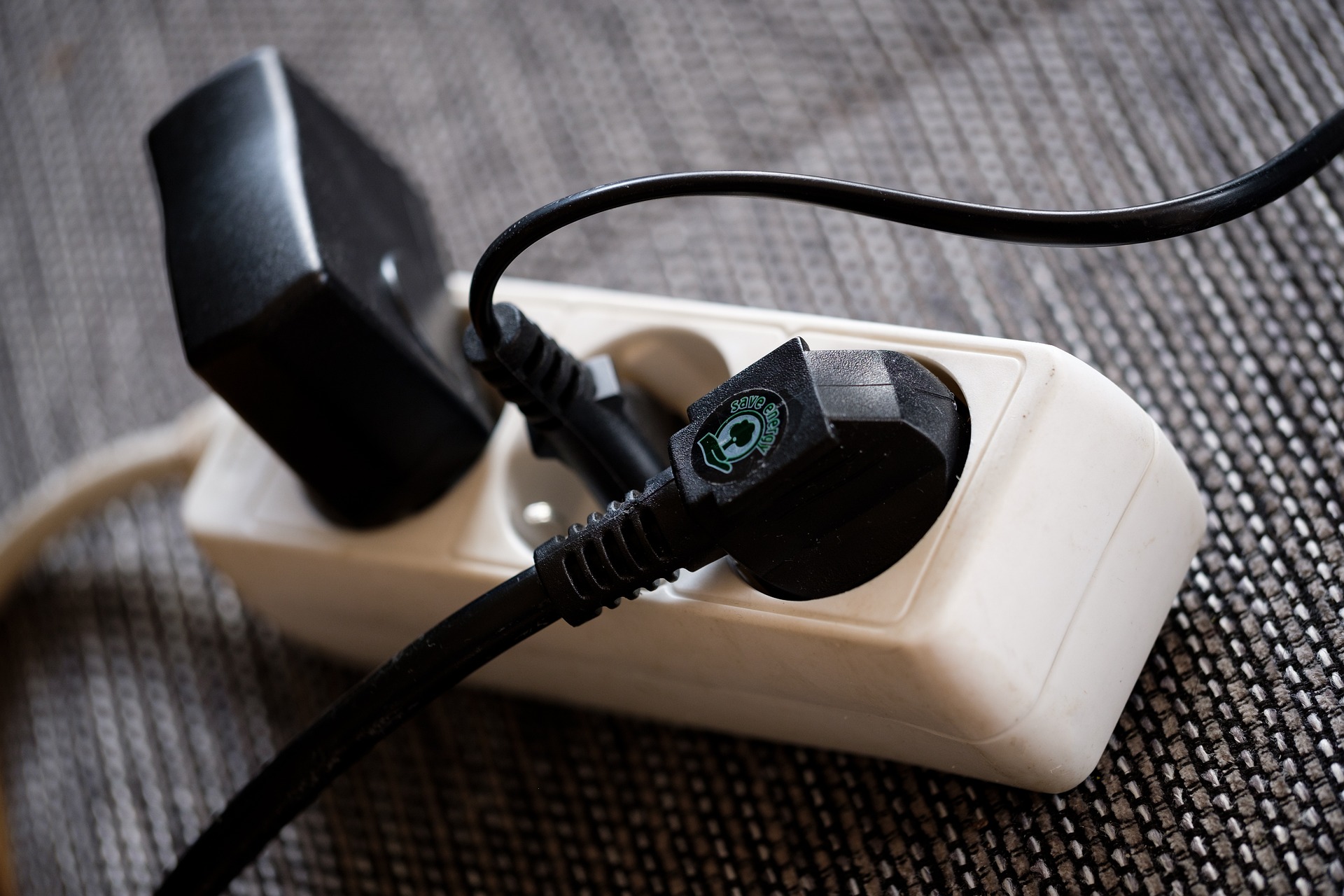
Even when they look “off,” many consoles continue running background processes—downloading updates, keeping USB ports active, and maintaining network readiness. The solution is simple: use a power strip with a switch. One tap ensures devices are truly off.
Important note: Some systems can be sensitive to sudden power cuts, so users should check manufacturer guidelines before unplugging completely.
3. Laser Printers: Safe to Unplug Overnight
Printers often sit idle for hours while still consuming energy. Laser printers, in particular, can be disconnected at night without harm—they’re designed to tolerate being powered off.
Inkjet printers, however, are more delicate. Frequent unplugging can cause ink to dry out or clog print heads. Users unsure which category their device falls into should consult the manual.
A practical tip: connect computer, monitor and printer to one power strip to shut them down together with a single switch.
4. Turning Off Wi‑Fi at Night Saves Energy
Many routers continue running wireless networks around the clock, even while the household sleeps. The Consumer Advice Center recommends disabling Wi‑Fi overnight to save energy.
Most modern routers offer built‑in scheduling tools that automatically turn Wi‑Fi off during selected hours—such as midnight to 6 a.m.—without disconnecting the device from power entirely. Older routers, meanwhile, may consume significantly more electricity and could be worth replacing with a newer, more efficient model.
5. Modern Kettles With Displays Consume Standby Power
Electric kettles have become a kitchen staple, but many newer models include digital displays, timers, or keep‑warm functions. These features draw power even when the kettle is not in use.
The simplest fix: plug it in only when needed, then unplug and store it away. Not only does this save energy—it also frees up counter space. The same recommendation applies to toasters, which see only brief daily use yet often remain plugged in around the clock.
Correction: An earlier version of this article stated that kettles generally consume electricity in standby mode. Only modern models with digital features continue drawing power when plugged in. This has been updated accordingly.
- source: futurezone.com/picture: pixabay.com



This post has already been read 21423 times!