 1
1
 0
0
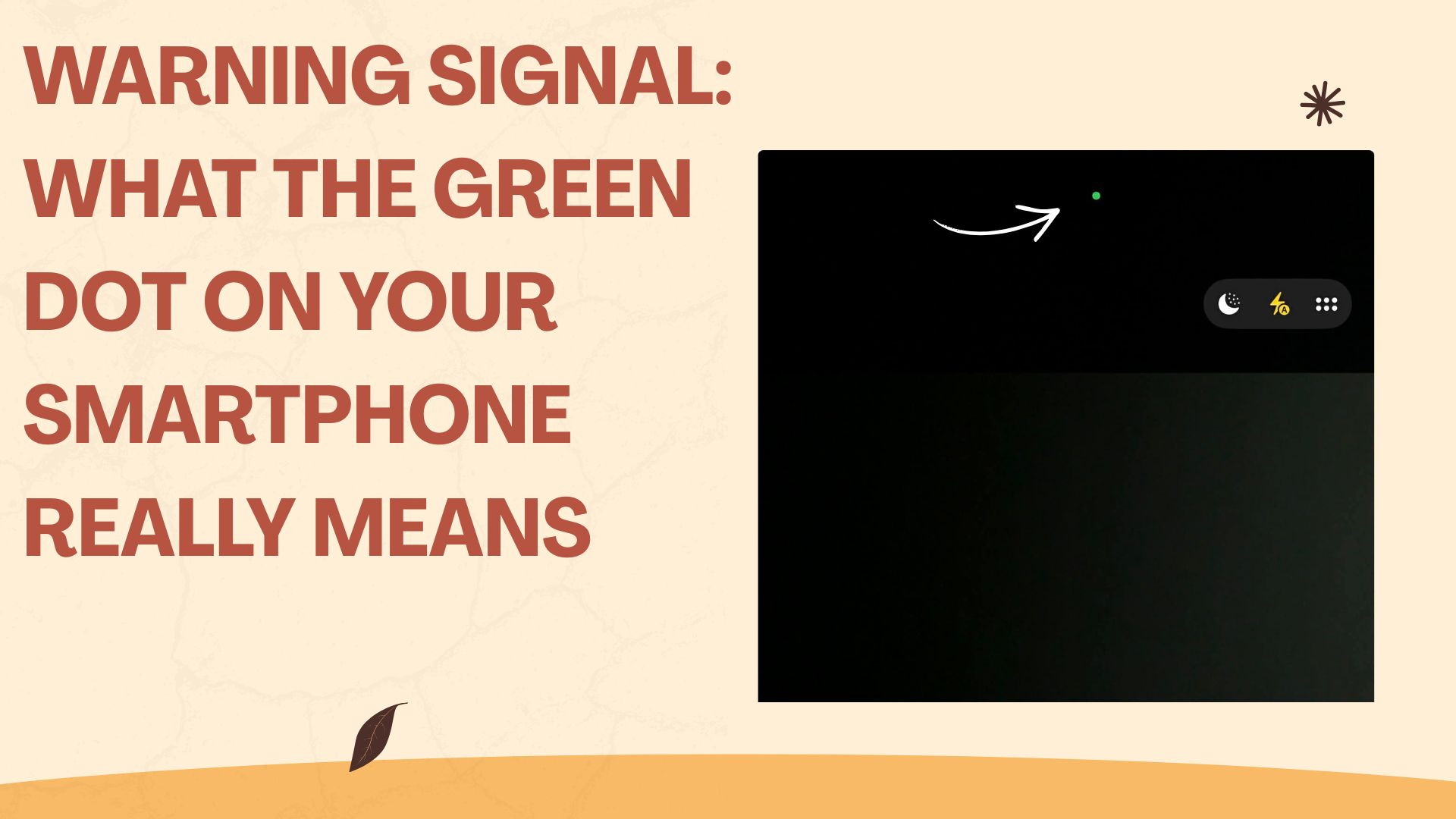
At first glance it looks like a tiny glitch on the screen — a small, glowing dot in the corner of your smartphone display. But that green (or sometimes orange) indicator is anything but accidental. It’s one of the most important privacy features built into modern Apple (iOS) and Google (Android) devices, designed to give users real‑time insight into how their phone’s hardware is being used.
A Color Code for Your Privacy
Both major mobile operating systems now use a standardized color system to show when sensitive components — microphone and camera — are active.
- Orange Dot — Microphone in Use
When this dot appears, an app is currently accessing your microphone. This happens during phone calls, voice messages, video recordings, or when using voice assistants like Siri or Google Assistant. - Green Dot — Camera in Use
This indicator signals that an app is using your camera. You’ll often see it briefly when unlocking your phone via FaceID or when opening the camera app. Some apps also trigger it when scanning QR codes or enabling video features.
These visual cues are intentionally subtle but powerful. They’re meant to blend into the interface while still alerting you when something sensitive is happening in the background.
A Shield Against Unauthorized Access
The real value of these indicators becomes clear when they appear unexpectedly. If the green or orange dot lights up without you actively using a related app, it may be a sign that software is accessing your camera or microphone without your knowledge.
To check what triggered the indicator, users can simply swipe down from the top of the screen (iOS) or open the control center/notification shade (Android). There, the system displays the name of the app that most recently accessed the camera or microphone.
This transparency is crucial in an era where apps often run complex background processes that are invisible to the user.
What You Should Do If Something Seems Off
If an unfamiliar or suspicious app repeatedly requests access to your camera or microphone, it’s time to take action. Both iOS and Android offer detailed permission controls under Settings → Privacy.
There, users can:
- Review which apps have access to the camera and microphone
- Revoke permissions entirely
- Allow access only while the app is in use
- Disable hardware access for apps that don’t need it
These settings put the power back into the hands of users, ensuring that no app can quietly record audio or video without explicit consent.
Digital Self‑Defense Made Simple
The green and orange dots may be small, but they represent a major step forward in digital safety. In a world where data collection often happens behind the scenes, these indicators provide clarity and control. They empower users to understand what their devices are doing — and to intervene when something doesn’t feel right.
In short, these tiny warning signals are a modern form of digital self‑defense. They help ensure that your smartphone works for you, not the other way around.
- source: oe24.at/picture:



This post has already been read 2565 times!